-
Shop
- Advanced Technologies
- AI Career Advantage Collection
- AI Skills Mastery 2026 Collection
- Beauty
- Best-Sellers
- Car Accessories
- Car Buying & Ownership
- Dating & Social Confidence
- Dating & Social Skills
- Denim
- 7FOR
- AGOLDE
- Antony Morato
- Armani Exchange
- Boss
- Brunello Cucinelli
- Calvin Klein Jeans
- Costume National
- Desigual
- Diesel
- Dolce & Gabbana
- Dsquared²
- Ermanno Scervino
- Fendi
- Gianni Lupo
- Guess Jeans
- Ichi
- Just Cavalli
- Lee
- Levi's
- Liu Jo
- Morgan De Toi
- Mother Denim
- Only
- Pepe Jeans
- Pinko
- Replay
- Valentino
- Vero Moda
- Digital Resources
- Education & Learning
- Family & Parenting
- Fashion
- Fashion Accessories
- Financial Education
- Gadgets
- Health & Beauty
- Health & Wellness
- Home & Garden
- Home Decor
- Home Styling & Organization
- Home Supplies
- Kids & Babies
- Kitchen
- Patio, Lawn & Garden
- Personal Growth
- Pet Care
- Pet Supplies
- Pets
- Sport & Outdoors
- Super Deals
- Wealth Building
- Budgeting & Saving
- Cryptocurrency Investing
- Debt Management
- Entrepreneurship & Business Growth
- Family Finance & Budgeting
- Financial Independence
- Financial Mindset & Psychology
- Financial Planning
- Frugal Living & Expense Hacks
- Goal Setting
- High-Income Skills
- Investing Basics
- Leadership
- Motivation
- Networking & Mentorship
- Passive Income Strategies
- Real Estate Investing
- Side Hustles
- Stock Market Investing
- Popular
- Best deals
AI for Creative Teams: A 5-Stage Workflow Guide
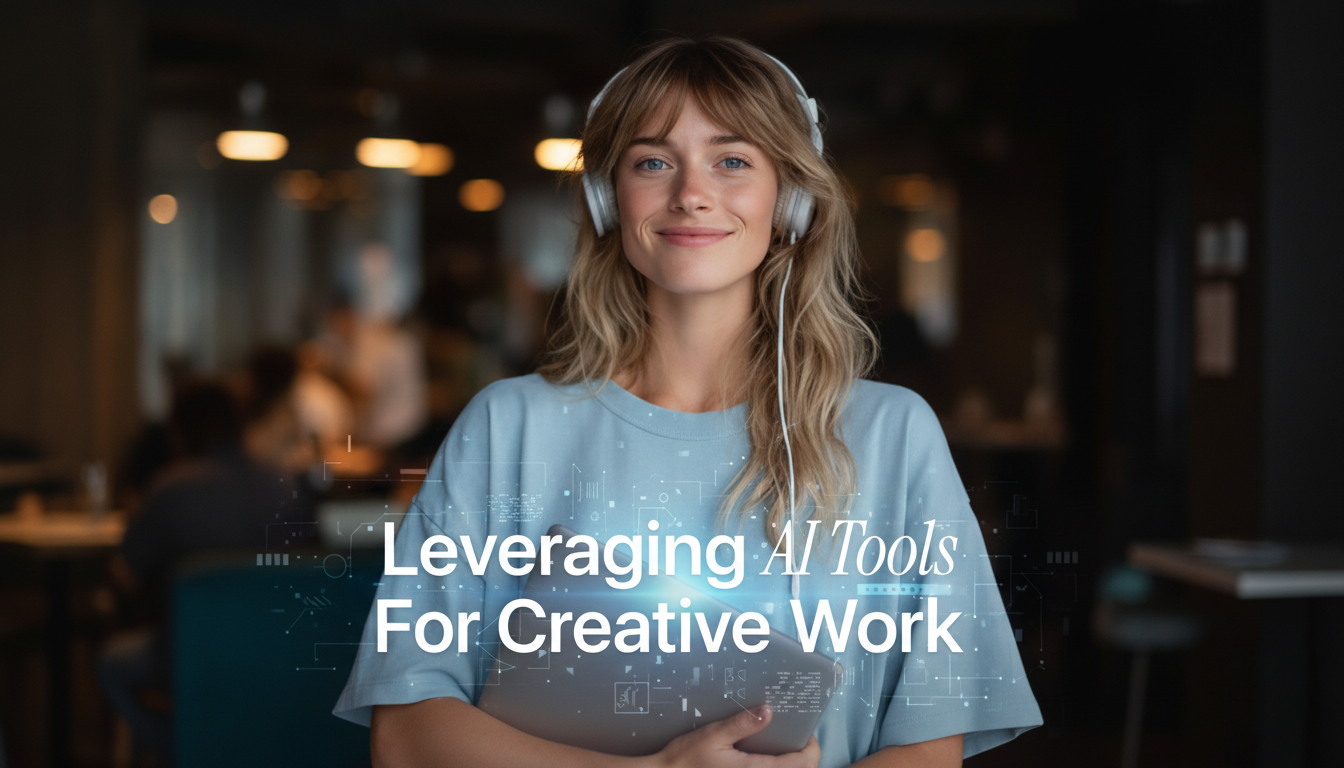
Where AI Adds the Most Value in Creative Work
AI fits best where speed and volume help you think—not where taste, judgment, and accountability are required. Used well, it shortens the distance between a rough idea and a usable draft, so more time stays available for art direction and finishing work.
- Idea generation: expand directions quickly, explore styles, and produce multiple concepts early.
- Drafting and prototyping: rough layouts, copy variations, storyboards, and moodboards in minutes.
- Production support: upscaling, background removal, color matching, retouching, and audio cleanup.
- Consistency: reusable style guides, tone rules, and brand constraints applied across assets.
- Iteration: rapid A/B variants for thumbnails, ads, landing sections, and social formats.
A Simple 5-Stage AI Workflow (Concept → Delivery)
A practical workflow keeps AI useful without letting it steer the project. The core principle: define what “good” means before generating options, then keep humans in charge of selection and final decisions.
Stage 1 — Brief
Lock the audience, message, format, and constraints (brand, platform specs, timeline, legal). A tight brief prevents impressive-but-wrong outputs.
Stage 2 — Exploration
Generate breadth: multiple angles, visual directions, and headline families. Aim for variety over polish so you can compare ideas side-by-side.
Stage 3 — Selection
Narrow to 2–3 directions using clear criteria (clarity, differentiation, feasibility). This is where taste and strategy matter most.
Stage 4 — Build
Use AI for components—copy variants, background options, cleanup passes, layout suggestions—while art direction, hierarchy, and typography remain manual and intentional.
Stage 5 — QA & Delivery
Run checks for accessibility, correctness, specs, and rights. Treat AI outputs like any other asset: they’re not “done” until they pass review.
| Stage | Best use cases | Human checks that matter |
|---|---|---|
| Brief | Summarize requirements, draft messaging pillars, list deliverables | Accuracy of constraints, brand alignment, stakeholder approval |
| Exploration | Generate moodboards, style directions, copy angles, thumbnail concepts | Originality, cultural sensitivity, differentiation vs. competitors |
| Selection | Score options against criteria, compare pros/cons, create shortlists | Taste, strategic fit, feasibility with timeline and budget |
| Build | Asset variations, retouching help, layout suggestions, motion/audio cleanup | Composition, hierarchy, typography, pacing, final craftsmanship |
| QA & Delivery | Alt text suggestions, consistency checks, format conversions | Accessibility, factual correctness, licensing/rights, final sign-off |
Tool Categories and What to Use Them For
Instead of chasing “one tool that does everything,” map tool types to stages. That keeps your workflow predictable and your outputs easier to audit.
- Text and planning assistants: naming, taglines, briefs, content outlines, scripts, and versioning.
- Image generation and editing: concept art, backgrounds, product mockups, style explorations.
- Layout and UI helpers: wireframes, component suggestions, responsive variants, documentation.
- Video and motion: auto-captions, scene cleanup, voice isolation, B-roll suggestions.
- Audio and music: noise reduction, mastering assistance, stem separation, sound design ideation.
Practical Techniques That Keep Output From Feeling Generic
Generic results usually come from vague inputs and shifting direction. The fix is a repeatable “creative guardrail” system that you reuse across sessions.
- Start with constraints: specify audience, mood, format, length, and non-negotiables (colors, type, claims you can’t make).
- Use reference packs: keep a consistent bundle of brand rules, examples, and “do-not-use” notes to anchor results.
- Generate wide, then refine: create 20 rough options, select 3, then iterate with precise edits instead of restarting.
- Mix sources: combine AI drafts with sketches, photography, brand assets, and manual typography for a human finish.
- Lock decisions: once a direction is chosen, document it to prevent style drift across deliverables.
Quality Control: A Quick Checklist Before Anything Ships
Fast production only helps if the final work is solid. A lightweight checklist catches the common issues that creep in when AI speeds up output.
- Clarity: the main message is readable in 3 seconds (headline, focal point, hierarchy).
- Consistency: colors, spacing, tone, and icon styles match the brand system.
- Accuracy: facts, product details, and claims are verified; no hallucinated references.
- Accessibility: sufficient contrast, legible sizes, captions for video, descriptive alt text.
- File readiness: correct dimensions, color profiles, compression, and export settings.
For accessibility standards that apply across web and digital design, reference the W3C Web Content Accessibility Guidelines (WCAG).
Ethics and Rights: Staying Safe While Using AI
Creative teams need a “safe by default” approach: protect client data, avoid avoidable infringement risk, and document what matters.
For risk governance, the NIST AI Risk Management Framework (AI RMF 1.0) is a useful reference point. For copyright considerations involving AI-assisted material, review the U.S. Copyright Office guidance.
Common Pitfalls and How to Avoid Them
Recommended Picks to Support Your Creative Workflow
- Leveraging AI Tools for Creative Work | Practical Guide to ai tools for creative design work for Designers & Creators ($5.99) — a structured playbook for integrating AI into daily work without sacrificing taste and craft.
- Cute Cartoon Vanity Stool – Modern Minimalist Portable Shoe Changing Chair ($237.51) — a practical studio seat option for short review sessions and desk-side collaboration.
- Nordic Turnip Bear Floor Sculpture with Tray ($777.99) — a statement piece that can double as a prop tray for shoots or a distinctive studio accent.
FAQ
How can AI speed up creative work without lowering quality?
Use AI for breadth and iteration—options, variants, cleanup, and quick drafts—while keeping human-led selection, art direction, and final QA. Add clear constraints, reference examples, and a final checklist for readability, consistency, and rights.
What tasks should designers avoid handing entirely to AI?
Avoid delegating final brand decisions, sensitive client strategy, and anything that depends on verified facts or strict rights control. Treat AI as a draft and production assistant, not the final decision-maker.
How do you keep AI-generated work consistent with a brand?
Create a reusable style pack with typography rules, color values, tone guidance, approved examples, and do-not-use constraints. Reapply it across sessions and run a consistency review before delivery.
Recommended for you



Compare Job Offers With AI: Pay, Benefits, Fit
Jul 12, 2026
Gianni Lupo White Blazer: Easy Spring/Summer Style
Jul 13, 2026













Leave a comment